

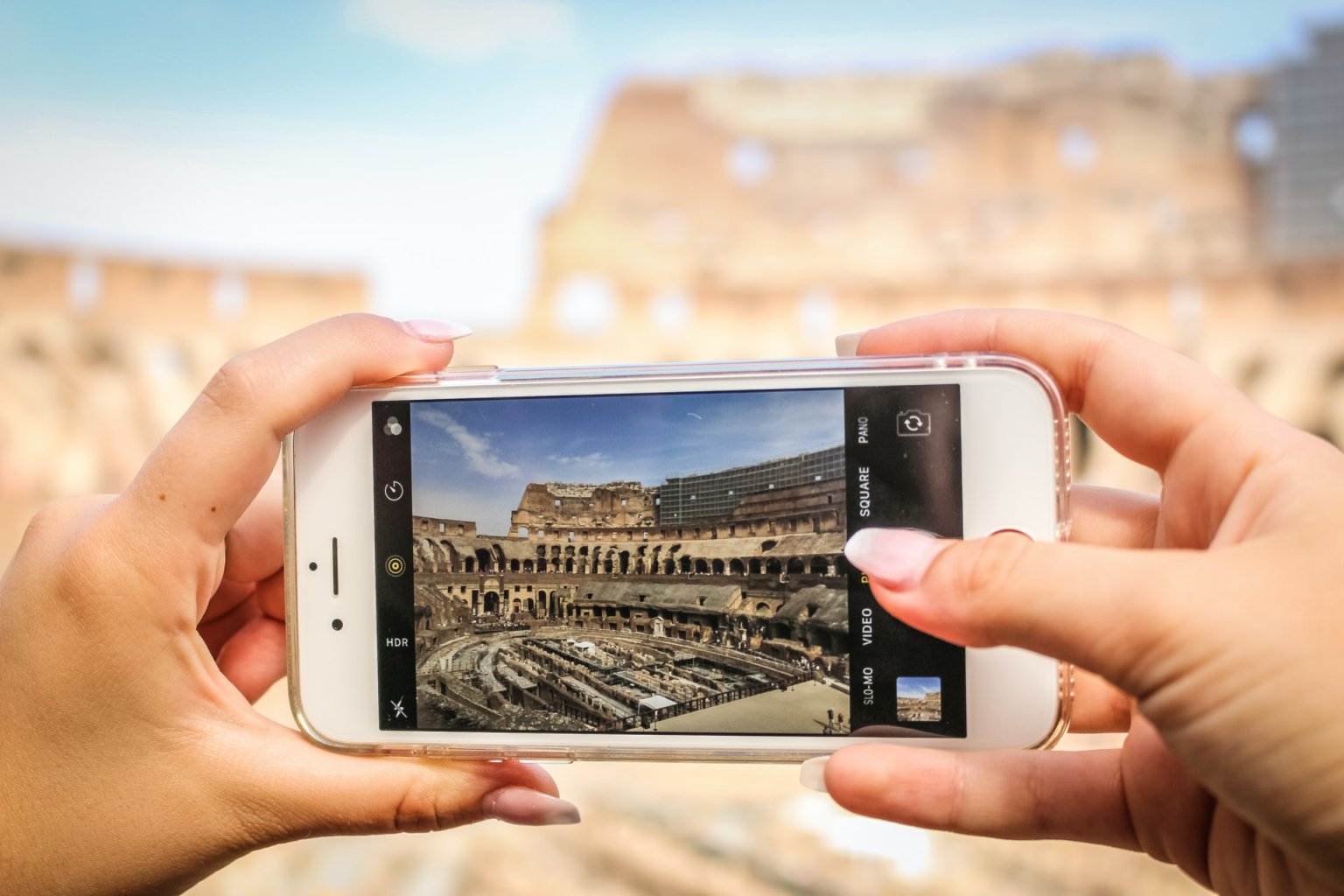

Taking great photos no longer requires an expensive camera or professional photography equipment. Almost everyone carries a powerful camera in their pocket every day. With a few simple techniques, you can learn how to take better photos with a phone and turn ordinary moments into beautiful pictures.
- 1. Clean Your Phone Camera Lens
- 2. Pay Attention to Natural Light
- 3. Avoid Using Digital Zoom Too Much
- 4. Use the Rule of Thirds
- 5. Keep Your Phone Steady
- 6. Tap the Screen to Focus
- 7. Try Different Angles
- 8. Keep the Background Simple
- 9. Use Portrait Mode Carefully
- 10. Learn When to Use HDR
- 11. Take Several Photos
- 12. Avoid Overediting
- 13. Experiment With Night Photography
- 14. Use Leading Lines
- 15. Practice With Everyday Objects
- 16. Learn From Your Own Photos
- Conclusion
- Frequently Asked Questions
Modern smartphones have smart cameras, useful editing tools, and features that can help beginners take impressive photos. However, having a good phone is only part of the process. The way you use the camera, choose your subject, control light, and frame your shot can make a much bigger difference.
Whether you enjoy taking pictures of people, food, travel locations, pets, nature, or everyday life, these easy tips can help you improve your phone photography.
1. Clean Your Phone Camera Lens
One of the easiest photography tips is also one of the most commonly forgotten. Before taking a photo, clean your camera lens.
Your phone spends a lot of time in your pocket, bag, or hand. Dust, fingerprints, and small marks can collect on the lens. This can make photos look blurry, dull, or hazy, especially when there is a strong light source in the background.
Use a soft, clean cloth to gently wipe the lens. Avoid using rough materials that could scratch the surface.
A clean lens takes only a few seconds but can make your pictures look noticeably clearer.
2. Pay Attention to Natural Light
Light is one of the most important parts of photography. Even an excellent phone camera can struggle when the lighting is poor.
Whenever possible, use natural light. Take photos near a window, outside in the morning, or during the late afternoon when sunlight is softer.
Try not to place your subject directly under very strong overhead lighting. It can create dark shadows on faces and make the photo look harsh.
If you are photographing a person, ask them to face a window or stand somewhere with soft, even light. This simple change can make skin tones and facial details look much better.
3. Avoid Using Digital Zoom Too Much
Zoom can be useful, but excessive digital zoom often reduces image quality. When you zoom in too far, the camera may lose important details and make the photo look pixelated.
Instead, try moving closer to your subject when it is safe and practical. Getting physically closer often produces a sharper and more natural-looking picture.
If your phone has a dedicated telephoto camera, you can use that lens for distant subjects. Still, avoid extreme zoom unless you really need it.
4. Use the Rule of Thirds
The rule of thirds is a simple photography technique that can instantly improve composition.
Imagine your screen divided into nine equal sections using two horizontal lines and two vertical lines. Many phone cameras allow you to display these grid lines in the camera settings.
Instead of always placing your subject directly in the middle, try placing it along one of the lines or where two lines meet.
For example, if you are photographing a person looking toward the side, leave some empty space in front of their face. This gives the image a more natural feeling.
You do not have to follow the rule of thirds in every photo, but it is an excellent technique for beginners.
5. Keep Your Phone Steady
A small movement while taking a picture can make an image blurry. This is especially common when taking photos indoors or in low light.
Hold your phone with both hands when possible. Keep your elbows close to your body and gently press the shutter button.
You can also lean against a wall, table, or another stable surface for extra support.
For night photography, keeping the phone steady becomes even more important because the camera usually needs more time to capture enough light.
6. Tap the Screen to Focus
Your phone camera normally chooses what it thinks should be in focus, but it does not always choose correctly.
Before taking your photo, tap the screen on the main subject. This tells your phone where you want the focus.
This is especially helpful when photographing people, flowers, food, pets, or small objects.
Some phones also allow you to adjust brightness after tapping the screen. If the image looks too bright or too dark, move the exposure control until the picture looks balanced.
7. Try Different Angles
Taking every photo from eye level can become boring. One of the easiest ways to create more interesting pictures is to change your position.
Try taking a photo from a lower angle. Then try a higher angle. Move to the left or right. Get closer to the ground or find a higher viewpoint.
For food photography, a top-down angle can work well. For buildings, a low angle can make them look larger and more dramatic.
Changing your angle can help you discover a better composition without changing your subject.
8. Keep the Background Simple
A beautiful subject can lose attention when the background is too messy.
Before pressing the shutter button, look around your subject. Check for distracting objects, bright signs, clutter, wires, or people standing in strange positions.
Sometimes moving only a few steps can give you a much cleaner background.
A simple background helps viewers focus on the main subject and makes your photo look more professional.
9. Use Portrait Mode Carefully
Portrait mode can create a soft background effect that makes the subject stand out. It can be especially useful for people, pets, flowers, and certain objects.
However, do not use portrait mode for every picture. The artificial background blur can sometimes make mistakes around hair, glasses, or other detailed edges.
Experiment with both portrait mode and the normal camera mode. Choose the version that looks more natural.
10. Learn When to Use HDR
HDR, or High Dynamic Range, can help your phone capture details in areas that are very bright and very dark at the same time.
For example, imagine taking a photo of a person standing near a bright window. Without good exposure, either the person may look too dark or the window may become completely white.
HDR can sometimes balance these areas and preserve more detail.
Many smartphones automatically manage HDR, so beginners may not need to change anything. However, understanding what it does can help you make better choices when taking difficult photos.
11. Take Several Photos
Even professional photographers rarely depend on just one shot.
When you see a good photo opportunity, take several pictures. Change the angle slightly, adjust your position, or ask your subject to make a small movement.
Later, you can choose the best image.
This is particularly useful for group photos because someone may blink or look away in one shot. Taking several pictures increases your chances of getting the perfect moment.
12. Avoid Overediting
Phone editing apps offer many filters and adjustments, but more editing does not always mean a better photo.
Start with small changes. You can adjust brightness, contrast, highlights, shadows, colour, and sharpness.
Try to keep the image looking natural. If the colours become extremely bright or the skin looks unrealistic, reduce the effect.
A good edit should improve the original photograph rather than completely change it.
13. Experiment With Night Photography
Taking photos at night can be challenging, but modern phones often have dedicated night modes.
When using night mode, keep the phone as still as possible. Avoid moving the camera while the photo is being captured.
Look for available light from buildings, street lamps, shops, or other sources. Instead of trying to make everything extremely bright, use shadows and light creatively.
Night photography can produce dramatic images when you take your time and pay attention to the surroundings.
14. Use Leading Lines
Leading lines are natural or man-made lines that guide the viewer’s eyes toward the main subject.
Roads, bridges, fences, paths, stairs, walls, and rows of trees can all create leading lines.
For example, a long walkway can guide the viewer’s attention toward a person standing in the distance.
When you notice these lines around you, try composing your photo so they lead toward your main subject.
15. Practice With Everyday Objects
You do not need to travel to beautiful places to improve your photography.
Practice at home with a cup of coffee, a plant, a book, a pet, or objects on your desk. Try different lighting, angles, backgrounds, and compositions.
Regular practice teaches you how your phone camera behaves. Over time, you will begin to notice good photo opportunities naturally.
16. Learn From Your Own Photos
After taking pictures, look at them carefully. Ask yourself what worked and what did not.
Was the photo too dark? Was the background distracting? Was the subject out of focus? Did you leave too much empty space?
Learning from mistakes is one of the fastest ways to improve.
You can also compare older photos with newer ones. You may be surprised by how much your photography improves after regular practice.
Conclusion
Learning how to take better photos with a phone does not require expensive equipment or advanced photography knowledge. The most important things are good lighting, steady hands, thoughtful composition, and regular practice.
Start by cleaning your lens and paying attention to light. Use the grid, experiment with angles, avoid excessive zoom, keep backgrounds simple, and tap the screen to focus. Most importantly, do not be afraid to experiment.
Your phone is already a powerful photography tool. The more you use it creatively, the more confident you will become. Great photography is not always about having the most expensive camera—it is about noticing interesting moments and knowing how to capture them.
Frequently Asked Questions
1. How can I take better photos with my phone?
Start with simple improvements such as cleaning the camera lens, using natural light, keeping your phone steady, tapping to focus, and choosing a clean background. Practice different angles and compositions to find what works best.
2. Why are my phone photos blurry?
Photos can become blurry because of camera movement, poor lighting, dirty lenses, or incorrect focus. Clean your lens, hold the phone steady, use better lighting, and tap the subject on your screen before taking the picture.
3. Should I use phone camera filters?
Filters can be useful for creative effects, but use them carefully. Light adjustments to brightness, contrast, and colour often create a more natural result than strong filters.
4. Is natural light better for phone photography?
Natural light is often excellent for phone photography because it can produce soft and realistic-looking images. Window light, early morning light, and late afternoon light can be especially useful.
5. How can I make my phone photos look professional?
Focus on lighting, composition, sharpness, and a simple background. Avoid excessive zoom and editing. Most importantly, practice regularly and study your photos to understand what you can improve.